

Desktop depreciation schedules. No site inspection needed.
Get a tax depreciation schedule for your investment property from photos and documents you upload online. Our system does the groundwork, and a qualified Quantity Surveyor reviews and signs every schedule.
QS-signed │ ATO-compliant │ Brisbane-based, Australia-wide
What is a desktop depreciation schedule?
It's a tax depreciation schedule prepared without anyone visiting your property. You upload photos, purchase details and documents. Our system identifies the depreciable assets and drafts the figures, then a qualified Quantity Surveyor checks every line, corrects anything that needs it and signs it off. You get the same capital works (Division 43) and plant and equipment (Division 40) schedule an inspection firm produces — only the way the information is gathered changes.

No inspection to book or attend
No tenant disruption
Upload from anywhere, any time
Typically lower cost
Desktop schedule

An inspector visits the property
Booking, access and tenant notice needed
Turnaround depends on the inspector
Typically higher cost to cover travel
Site inspection
Both are prepared and signed by a qualified QS, and both are ATO-compliant.
Is my property suitable?
Suits a desktop schedule

Detached houses, townhouses and villas
Standard strata apartments
New, off the plan & house and land purchases
Renovated properties with dated records of the work
Ask us first
Granny flats, duplexes and dual-occupancy properties
Rural and acreage properties
Holiday and short-stay rentals
Renovations with no invoices or approvals
Not available as a desktop schedule
Commercial, industrial, retail and mixed-use properties
Homes built before 1985 with an unclear renovation history
Heritage-listed properties
Hotels, serviced apartments and large or complex properties
Your free property check confirms which group you're in before you pay anything.
What you’ll need.
No booking, no inspector, no forms. Our platform guides you step by step so nothing gets missed.
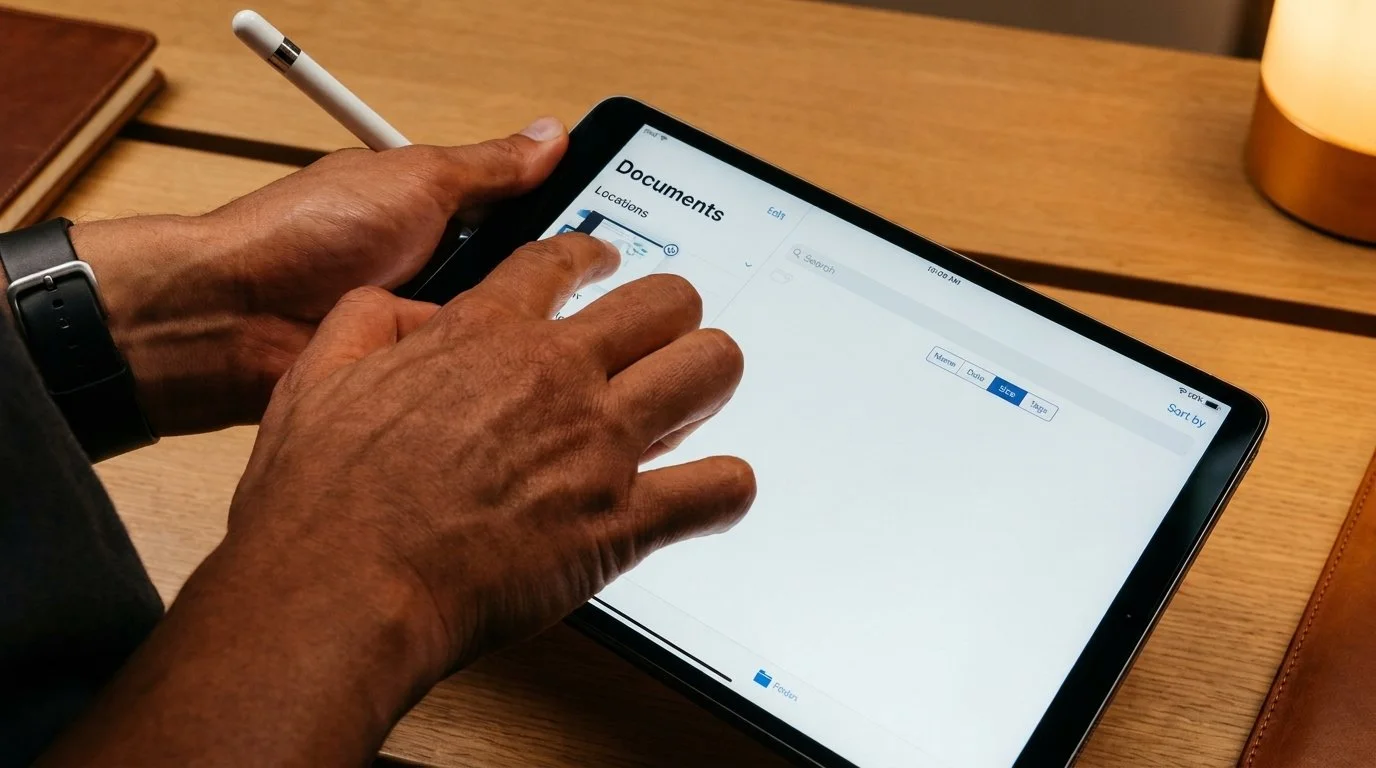
Step 1 Upload your documents
Upload your contract of sale and any plans, body corporate documents or invoices you have. Check and confirm they’re right and add the date property was first rented. Missing something? We’ll find it or let you know.
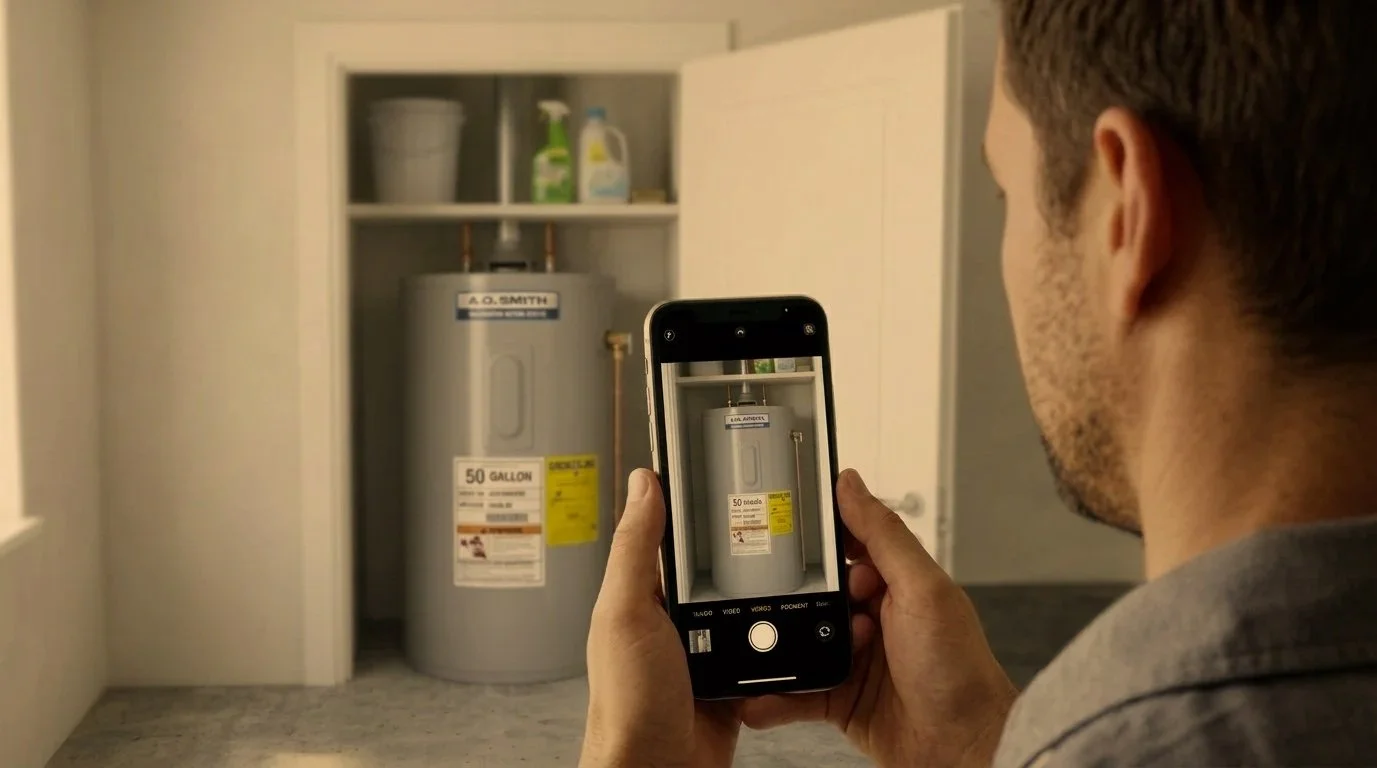
Step 2 Upload your photos
Follow the room-by-room prompts to photograph each room, the appliances and their labels, and the outside. Use the original photos straight from your phone. Or have your property manager take them at their next routine inspection.
Desktop schedule questions
-
Yes, when the information is good. Accuracy comes from identifying every asset correctly and costing it to the ATO's rules, and that's the QS's job either way. If something can't be confirmed from what you've sent, your QS asks for more rather than guess. Nothing is signed until they're satisfied.
-
Yes. The ATO requires construction costs to be estimated by a qualified person, such as a Quantity Surveyor, when actual costs aren't known. It doesn't require a site inspection. What matters is that the schedule is accurate and properly supported.
-
Yes, and that’s what makes it fast. AI prepares the first draft: it reads your documents and photos, identifies the depreciable assets and drafts the figures. A qualified Quantity Surveyor then reviews the draft, makes any corrections and signs the final schedule. AI does the legwork; a professional makes the call. No schedule is released without QS sign-off.
-
Often, yes. Homes built before 1985 generally can't claim the original structure, but later renovations often can, as long as there are records showing when the work was done. Your free property check tells you what's likely to be claimable first.
-
It can be. Rules introduced in 2017 limit claims on existing plant and equipment in most second-hand residential properties, but the building structure and any new assets you add can usually still be claimed. We'll tell you honestly if the numbers aren't worth it.
-
Generally, yes. The cost of a depreciation schedule for an investment property is usually tax-deductible. Check with your accountant for your situation.
Find out if your property suits a desktop schedule.
Tell us about your property and we’ll come back with a free property check. No inspection, no cost, no obligation.